Your brand’s voice
Describe your voice, audiences, pillars and words to avoid once. Drafts follow it.
Who it’s for
CreatorsTurn attention into income BusinessesSell, book and follow up Educators & coachesCourses, cohorts and bookingsHelp and support
Help centreGuides and answers ContactTalk to support or sales SecurityHow we protect your data Trust & safetyReporting and takedowns
Two taps in Safari and it opens like an app.

Content OS · Video Studio
Plan every post on one board, write in your brand’s voice, edit your own footage by its transcript and turn one video into a thread, a caption and a carousel.
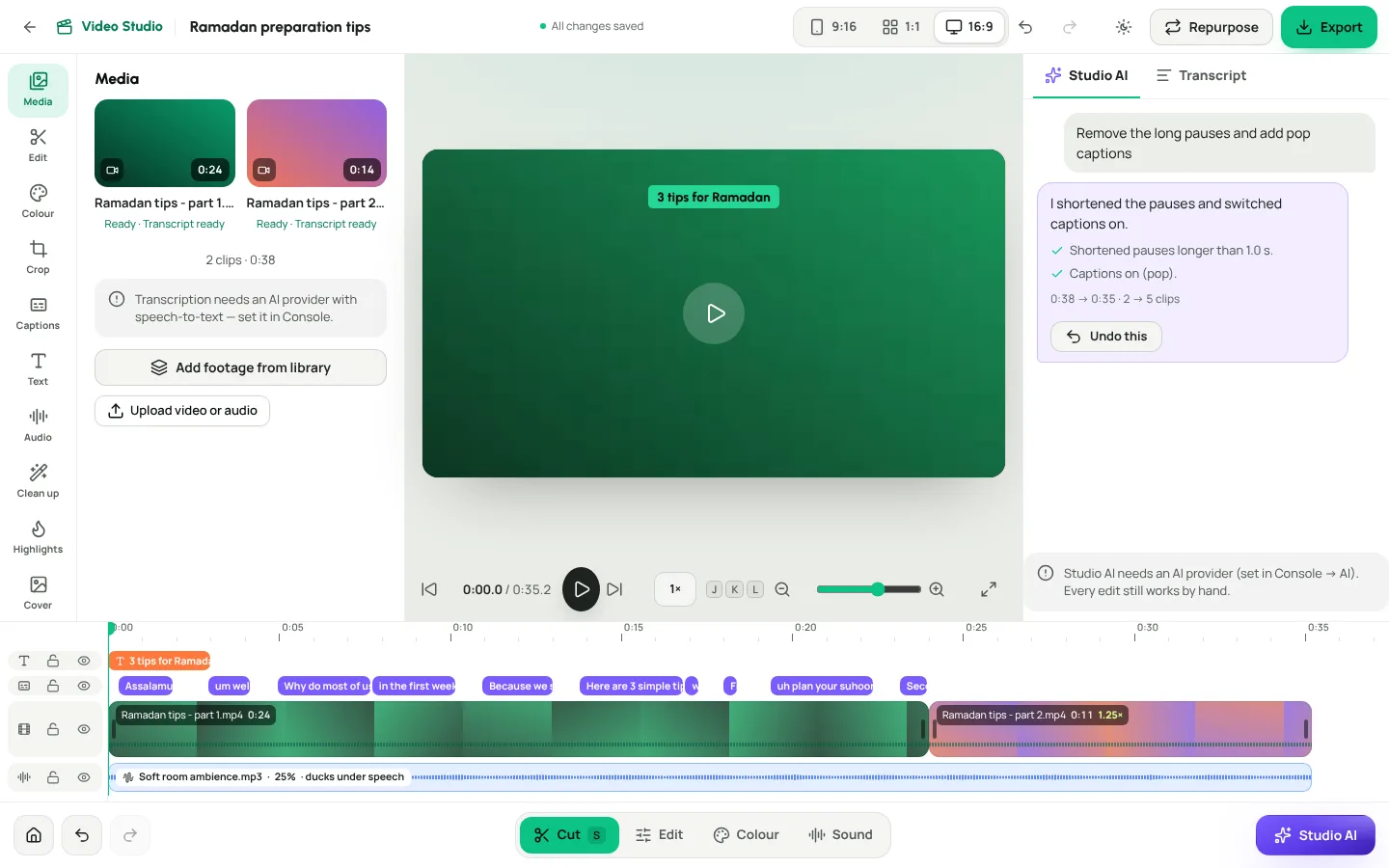
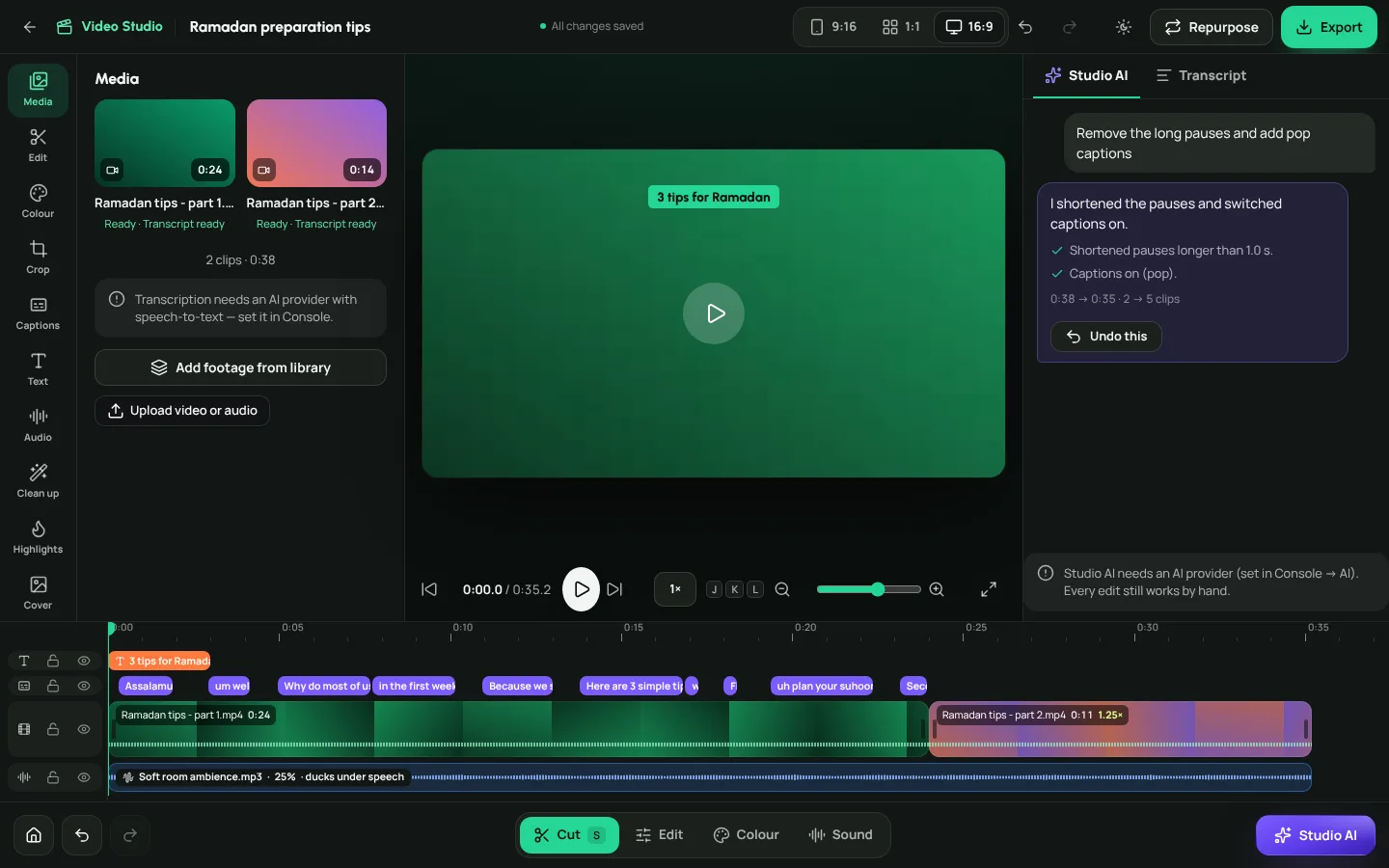
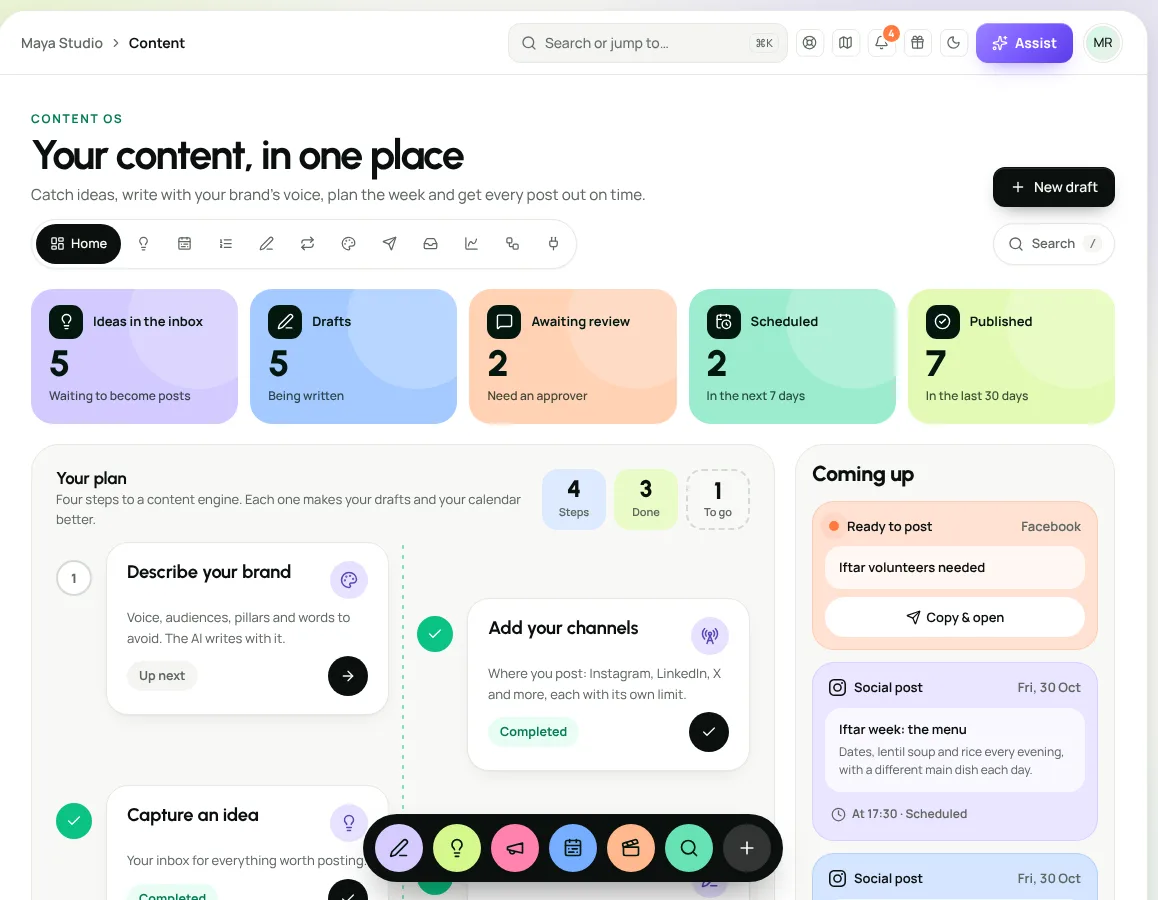
Sixteen seconds through the real product: the editor, the board, the planner and the phone.
Cut, trim, colour, crop and caption your own footage on a proper timeline, then export vertical, square or wide from one project.
Your footage becomes text. Strike out the “um”s, the long pauses and the sentence you’d rather not keep, and the timeline closes the gaps for you.
Tell Studio AI what you want in plain words. It makes the edits on your timeline, step by step, and one tap undoes the lot.
Runs on Weesify’s own AI engine when AI is enabled for your workspace. Without it, every edit still works by hand.
One board for the whole team, a planner that shows the week at a glance, and approvals that are recorded.
From a Video Studio transcript, a draft, an idea or pasted text, Repurpose writes a thread, a short caption, a carousel outline, a LinkedIn-style post and a newsletter section, each saved as a draft for you to review.
Describe your voice, audiences, pillars and words to avoid once. Drafts follow it.
Drop a card on “Under review” to ask for approval. Every version is kept, so you can always go back.
Direct posting turns on network by network as each one approves Weesify’s app. Until then: a reminder and Copy & open.
Reach and engagement from connected networks next to the post that earned them.
Catch an idea in a second, think it through on a board, then make it a draft with your notes.
Add an audio bed that lowers itself under speech, so every word stays clear.
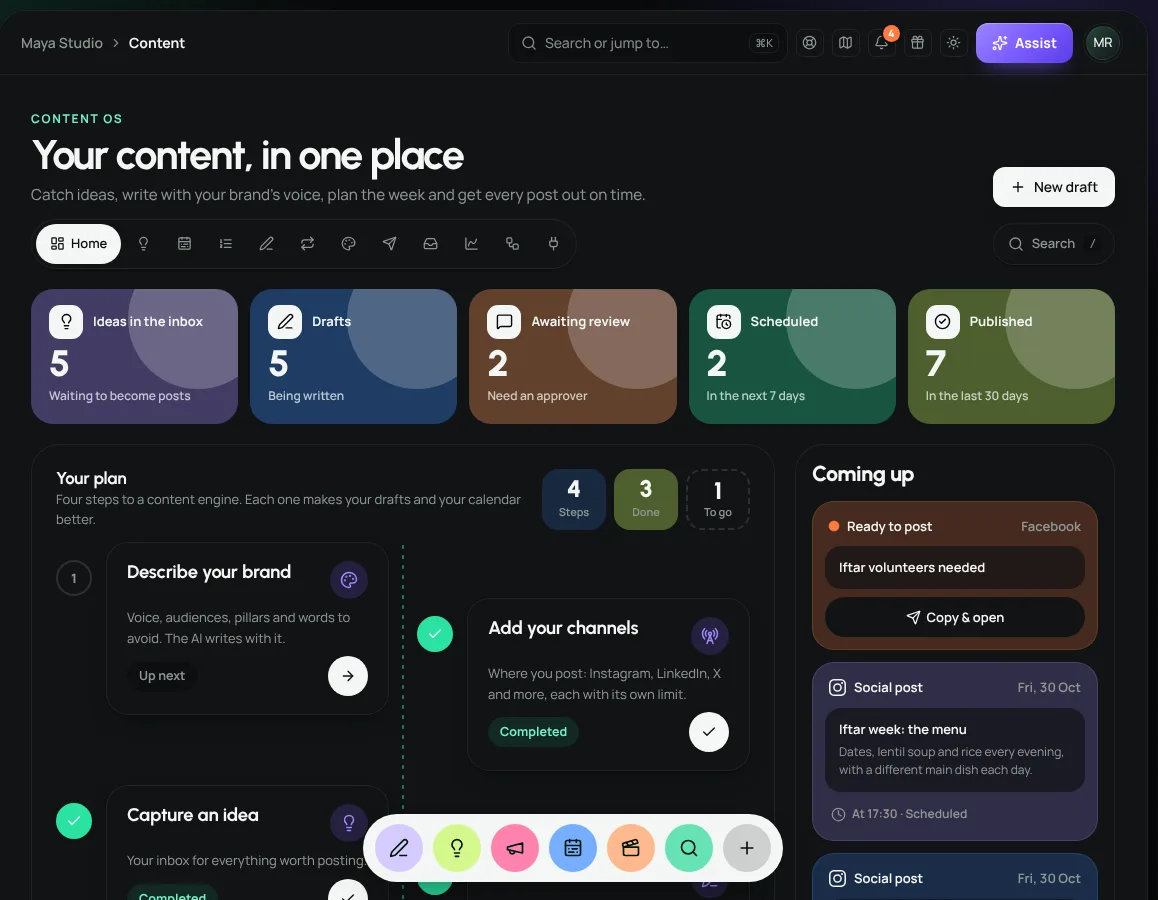
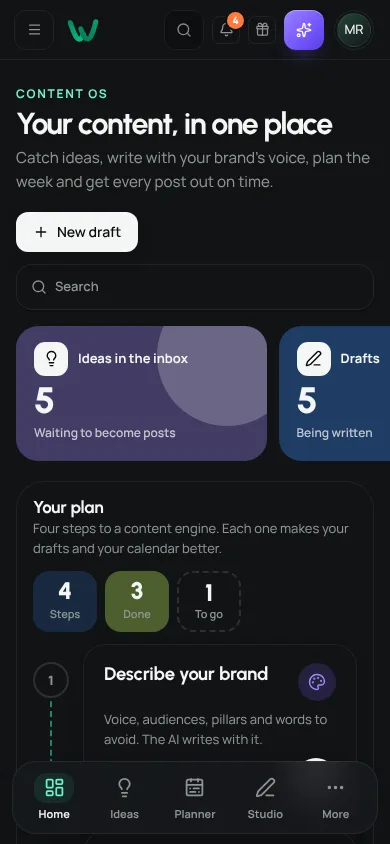
Captured from Weesify, in light and dark. The page follows your theme.
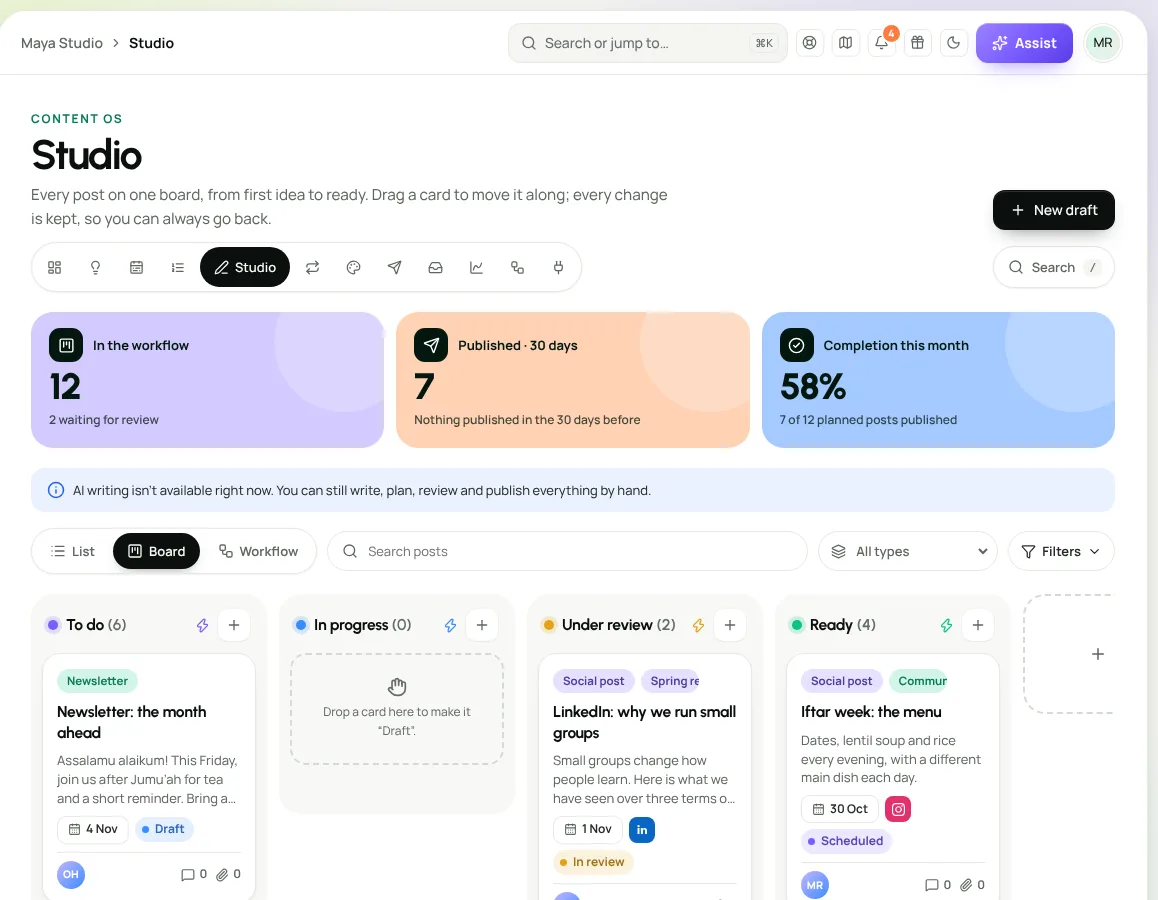
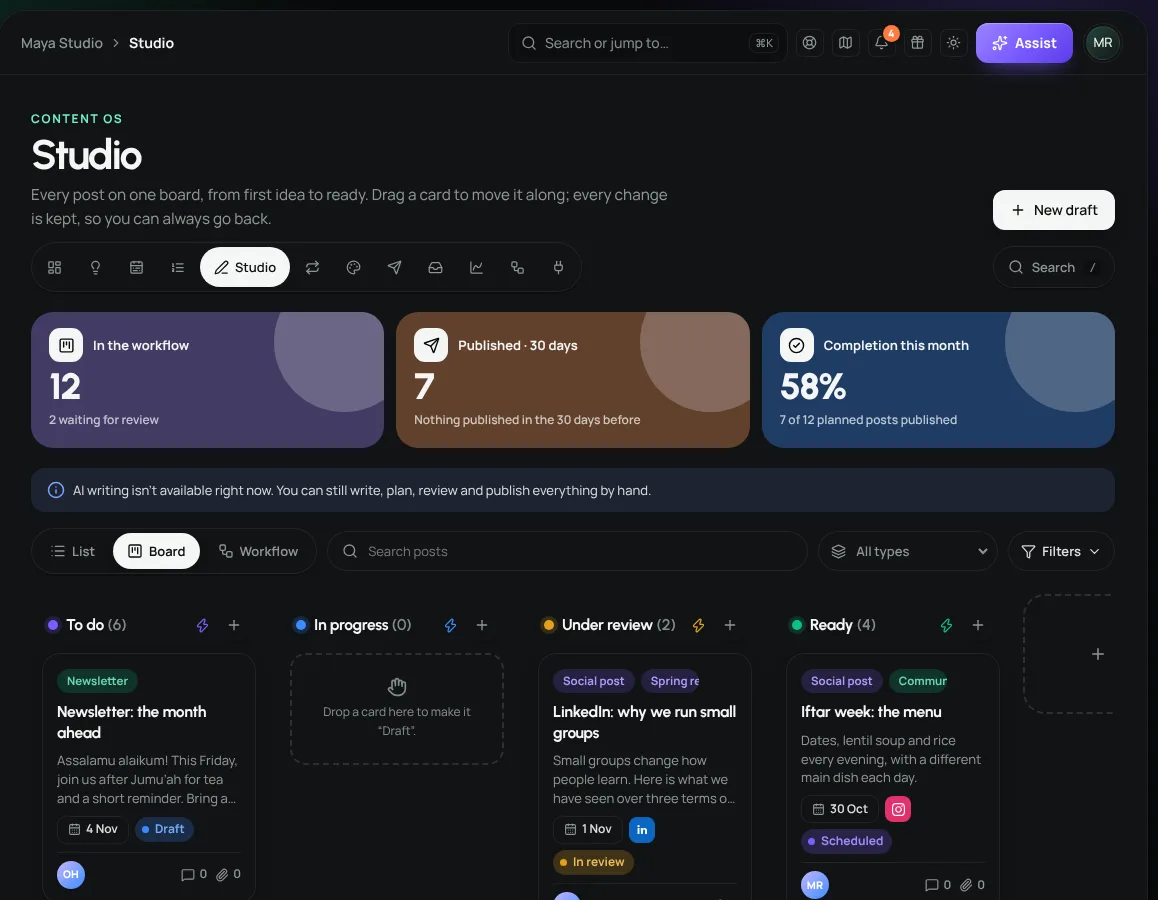
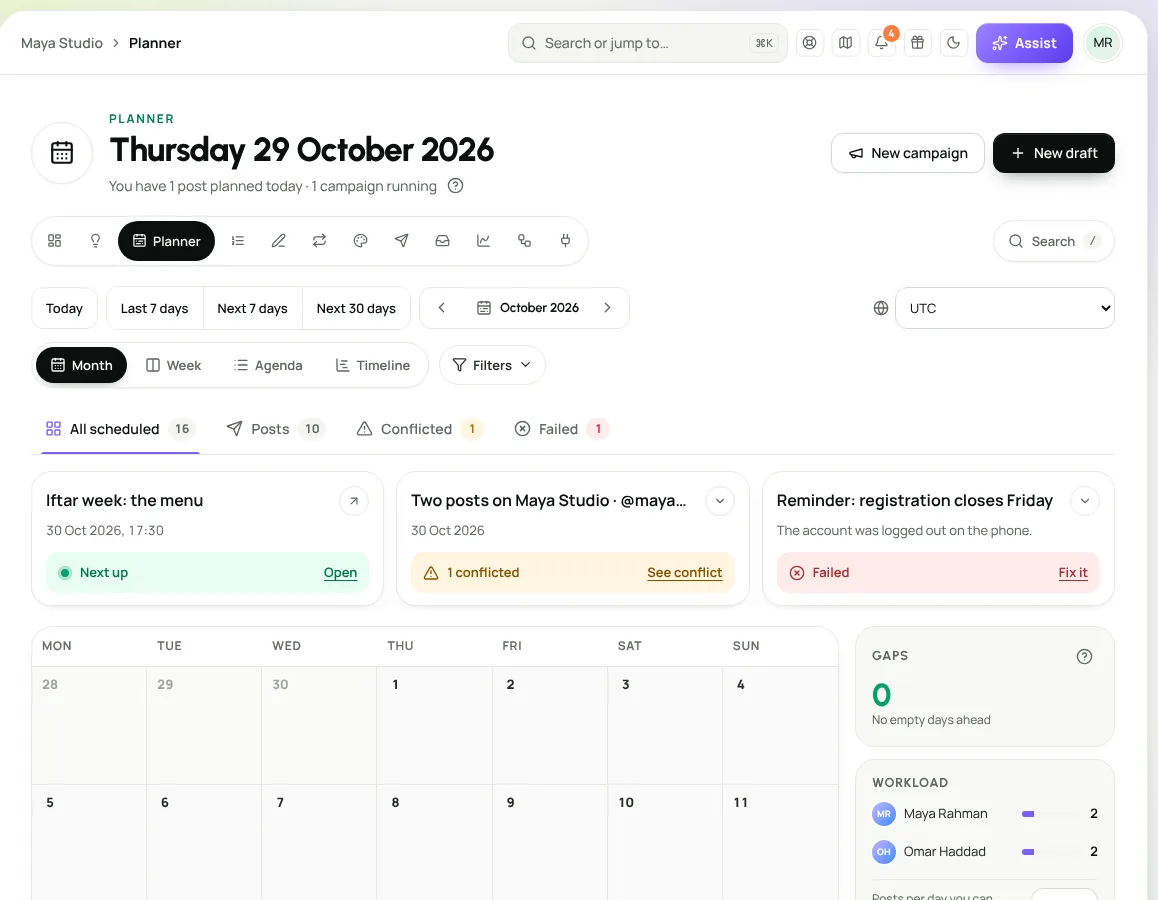
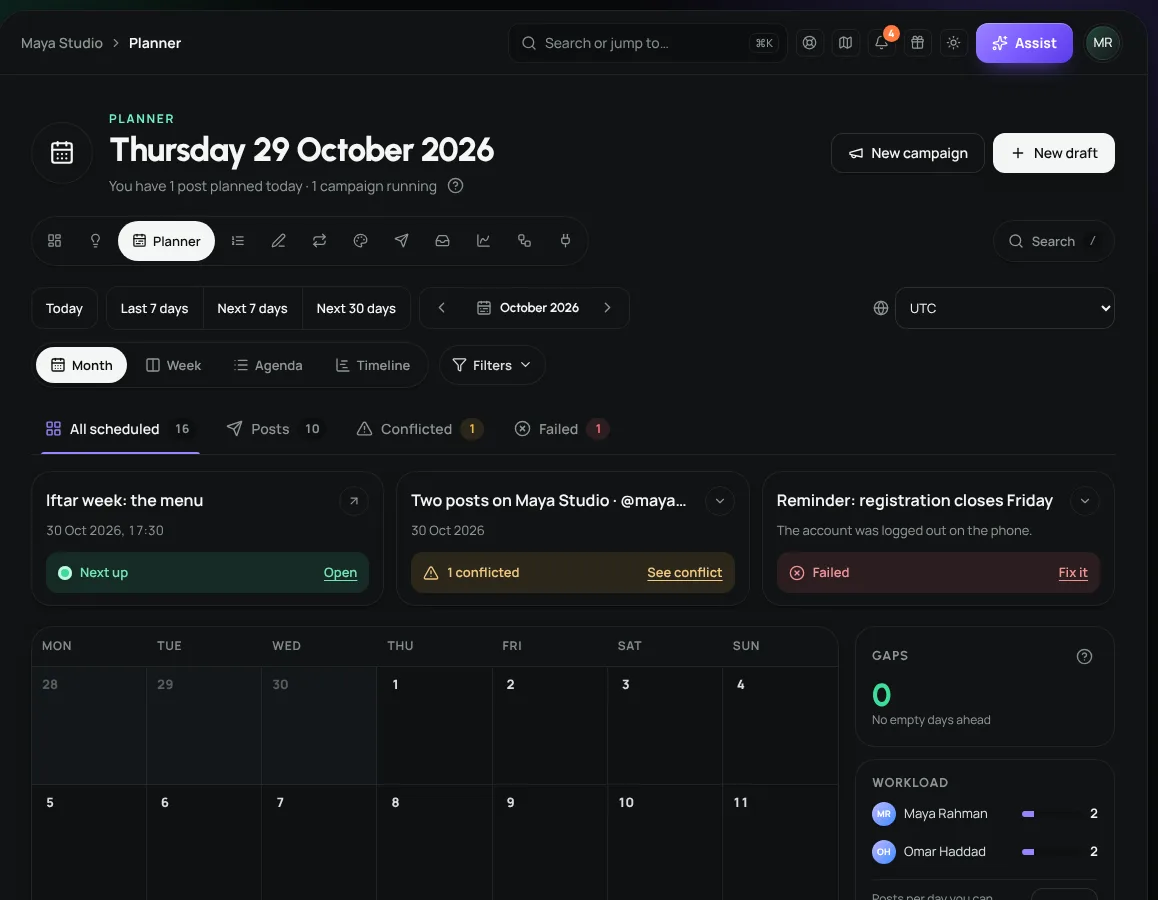
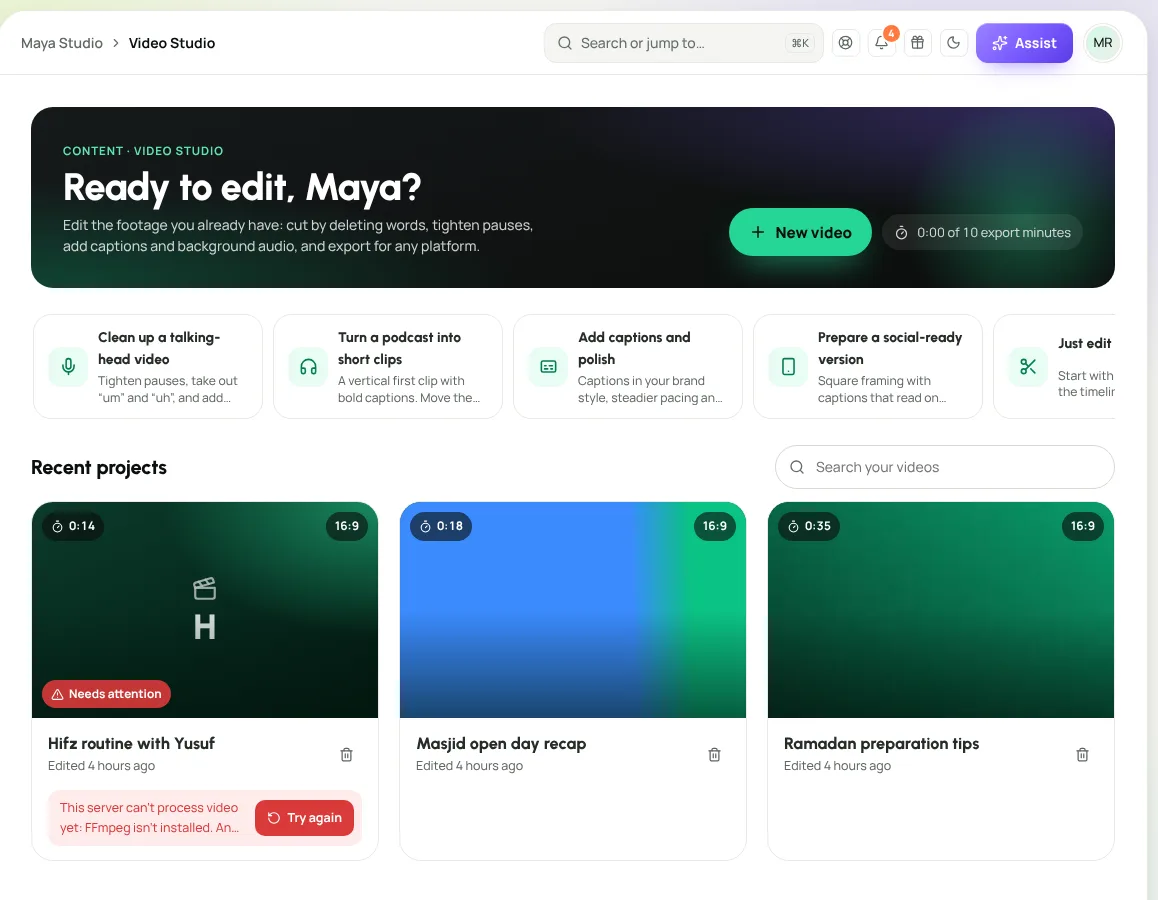
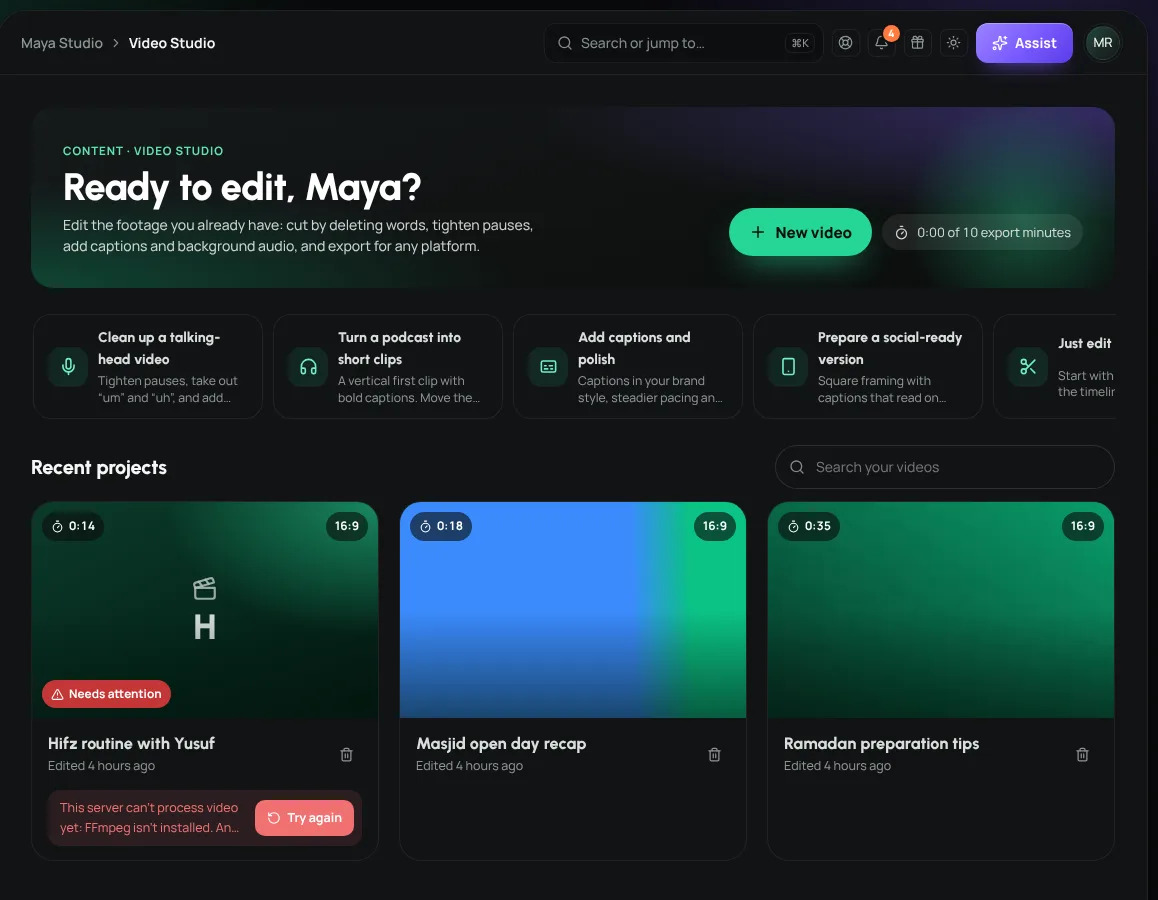
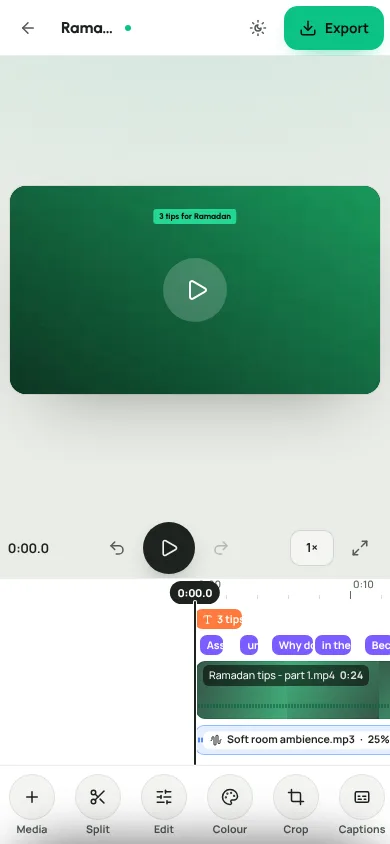
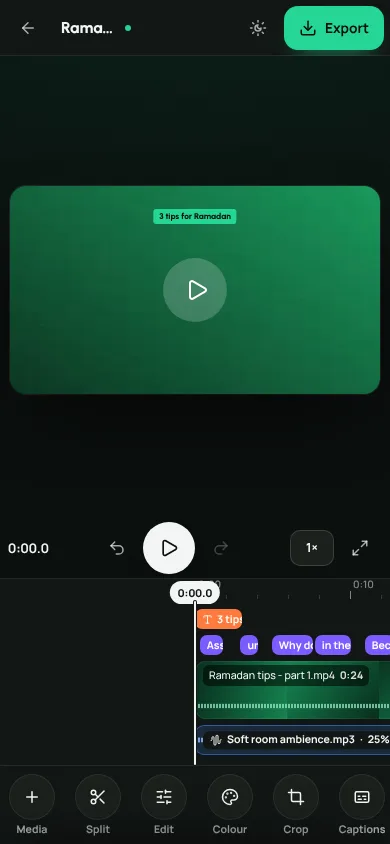
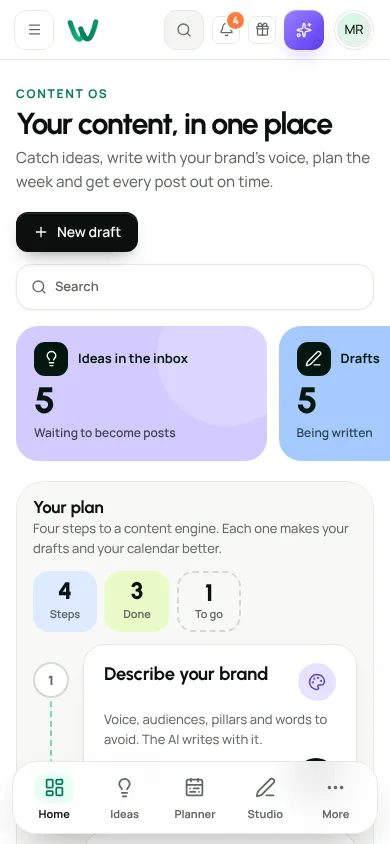
Yes, once that network has approved Weesify’s app for direct posting. Approval happens network by network. Until a network approves, Weesify reminds you at the scheduled time and Copy & open puts the post one tap away.
Studio AI, drafting and Repurpose run on Weesify’s own AI engine, when AI is enabled for your workspace. Your content is not sent to an outside AI service. With AI off, every edit and every post still works by hand.
It edits footage you already have: cut, trim, captions, colour, crop, text, background audio and covers. It does not generate synthetic video.
Once a clip is transcribed, delete words in the transcript and the matching moments leave the timeline. Pauses and filler words can be removed in one go, and every change can be undone.
Vertical 9:16, square 1:1 and wide 16:9, from the same project, as MP4.
Yes. Posts move through stages on a board, approvals are recorded, and you can add your own workflow stages.
Start your 14-day free trial, bring the footage you have, and plan the week on one board.
Choose the language you see Weesify in. We’ll remember it on this device and in your account.
No language matches that.