


Weesify AI Runs on Our Own Servers: What That Means for You

The Weesify AI engine runs open AI models on Weesify's own servers, so drafts, Repurpose, Studio AI, Assist and transcription can work without sending your content to an outside AI company.
When you ask an AI tool to rewrite a caption or transcribe a video, a reasonable question follows: where did my words just go? For a lot of software, the honest answer is "to another company's AI service". With the latest release, Weesify gives a different answer. The Weesify AI engine runs on our own servers, so drafting, Repurpose, Studio AI, Assist and transcription can work without your content being sent to an outside AI company.
This post explains what changed, which features use the engine, what it means for your privacy, and what stays the same.
In this guide
- What the Weesify AI engine is
- Which features it powers
- What stays private, and the rules AI follows
- What happens when AI is off
- What it means for teams and organisations
- FAQ
What the Weesify AI engine is
The Weesify AI engine runs open AI models on Weesify's own servers. It has two parts:
- A text engine for writing tasks: drafts, rewrites, Repurpose, Studio AI and Assist.
- A speech engine for transcription, which turns speech in your videos into text you can edit.
It shipped on 29 October 2026 as part of the release that also brought a faster Video Studio and a redesigned Content OS. You can read the full entry on the changelog and in Weesify 2.0: what's new.
Behind the scenes, the people who run Weesify manage the engine from the Console. They can see the server's memory, disk and processor, install text and speech models, test the engine with a short prompt and see how each AI feature is doing over the last 14 days.
Which features use it
| Feature | What AI does there |
|---|---|
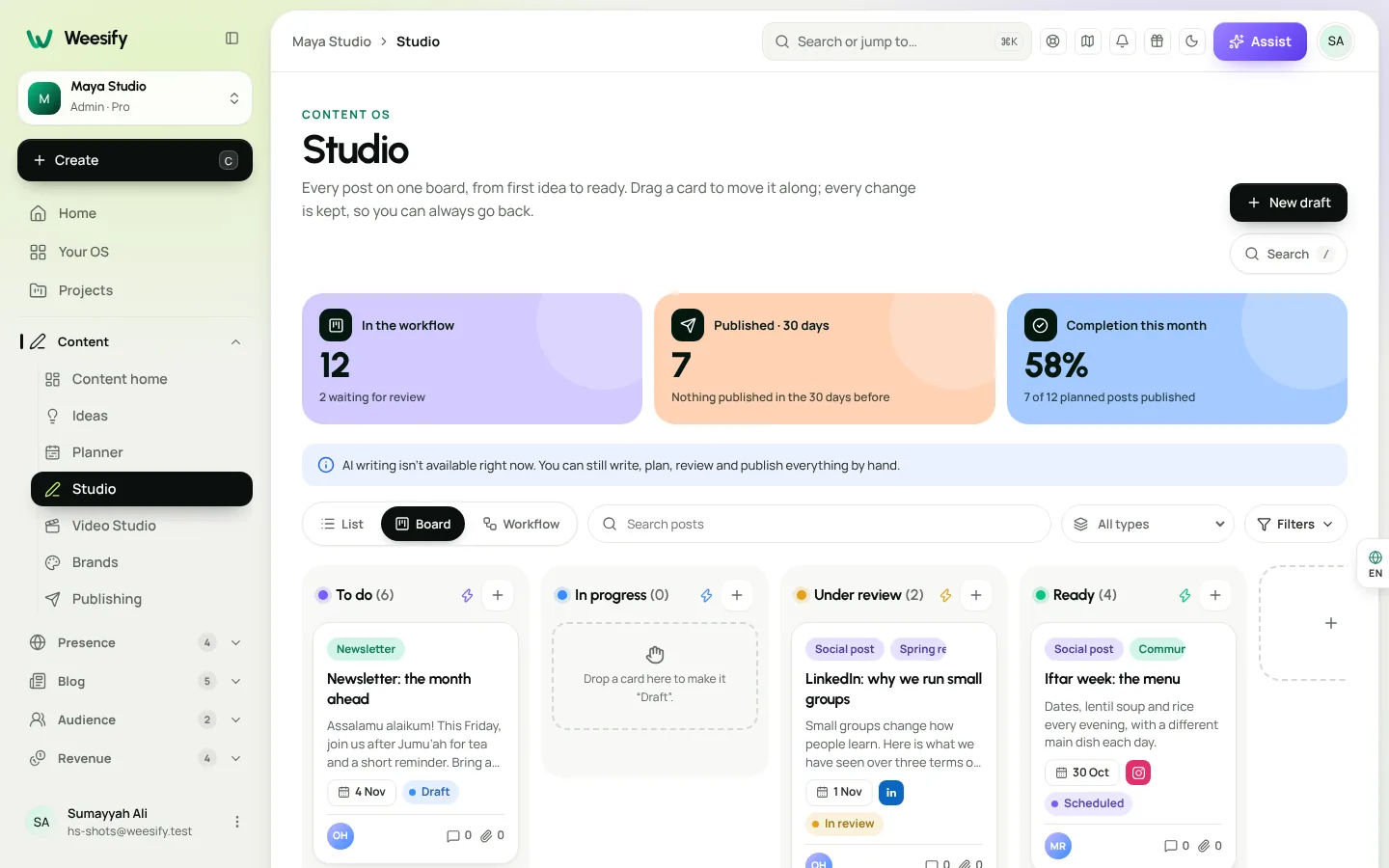
| Content OS Studio | Drafts posts in your brand's voice and suggests angles |
| Repurpose | Turns one piece of content into many drafts |
| Video Studio | Transcribes clips so you can cut by editing words, add captions and remove filler words; Studio AI edits from one sentence |
| Assist | Answers questions about the screen you are on and builds pages, forms, bookings or events from your links |
For a closer look at each, see AI content ideas in your brand voice, Repurpose one video into many posts, Remove pauses and filler words automatically and Build pages from your links with Assist.
Why it matters for your privacy
Your drafts, transcripts and client work are often unpublished, sometimes sensitive and occasionally confidential. Running AI on Weesify's own servers means:
- Fewer hands on your content. When AI runs on the Weesify engine, your text and audio are processed on Weesify's servers instead of being passed to a separate AI company.
- One set of rules. Your content stays under the same privacy terms as everything else in your workspace. See our security page for how we protect data.
- No surprise per-use bills. The engine costs nothing extra per use. Credits and plan limits still apply, as they do for every AI feature.
This is especially welcome for organisations that handle personal stories, such as charities, educators and coaches, and for agencies working on client material before launch.
The rules AI follows in Weesify
Where AI runs is one part of trust. How it behaves is the other. Across Weesify, AI follows a few firm rules:
- It only sees what you can see. Assist looks only at the screen you are on, the item you opened and the filters you chose. If your role cannot open something, Assist cannot see it either, and nothing from another workspace is ever used.
- It does not invent facts. When Assist builds a page from your links, it only uses what your links really show. It never invents reviews, numbers or details.
- It shows you the change first. When you edit an HTML website with AI, Weesify shows the exact change before anything is saved, and you choose Accept. Text inside your website is treated as content, never as instructions.
- You can stop it. A progress bar shows AI working, with text streaming in. Choose Cancel and it shows Stopped, and nothing is changed. If something goes wrong, it says That didn't work and nothing is changed.
- Your originals are safe. Video Studio never changes your original files, and every edit can be undone.
What happens when AI is off
AI is optional. When AI is off for your workspace, every edit and every post still works by hand, and Assist still answers from your numbers and the Help Centre. If the engine is ever removed, AI features fall back to their built-in, non-AI versions until it is installed again.
That means you can adopt AI at your own pace. Use it for first drafts and transcripts, and keep the final word for yourself.
For teams and organisations
If you manage a team, a few practical points:
- Roles still apply. An Editor can use AI to prepare a post or an email, and sending to your whole audience still stays with owners and admins.
- Approvals still apply. AI drafts in Content OS go through the same stages and approvals as anything a person wrote. See Content OS: plan, write and publish in one place.
- Transcripts of meetings are written by Weesify on its own server too. Read Meeting recordings, transcripts and summaries.
A quick checklist for privacy-minded teams
- Write a brand profile so AI drafts follow your voice and avoid words you never use.
- Decide which roles each person needs before inviting them.
- Use the approval flow in Content OS for anything public.
- Review AI changes before you accept them, especially on live websites.
- Remember you can cancel any AI run that heads the wrong way.
Frequently asked questions
Does Weesify send my content to OpenAI or other AI companies?
The Weesify AI engine runs on Weesify's own servers, so drafting, Repurpose, Studio AI, Assist and transcription can work without sending your content to an outside AI company. With Use only the Weesify engine switched on, no AI request goes to any outside service.
Is the AI engine an extra cost?
No extra cost per use. Credits and plan limits still apply, and what each plan includes is shown in Settings › Plan & billing › Compare plans.
Can AI see other workspaces or things my role cannot open?
No. Assist only sees what your role can open, in your own workspace.
Can I use Weesify without AI?
Yes. With AI off, every edit and post still works by hand, and Assist still answers from your numbers and the Help Centre.
Does Video Studio generate synthetic video?
No. Video Studio edits footage you already have. AI helps with transcripts, captions, clean-up and edits from one sentence.
Try it on your own content
The best way to judge AI is on your own words. Write a brand profile, draft a post in the Studio and transcribe a short clip, all on Weesify's own servers.
Start your 14-day trial. Every plan starts with a 14-day trial; you add a card to start and nothing is charged during the trial.
Teruskan membaca
 Product news
Weesify 2.0: What's New in the Rebuilt Weesify
From a link page in 2022 to an operating system for your online presence, audience and income. Here is everything new in Weesify 2.0, in plain words.
Product news
Weesify 2.0: What's New in the Rebuilt Weesify
From a link page in 2022 to an operating system for your online presence, audience and income. Here is everything new in Weesify 2.0, in plain words.
 Features
Content OS: Plan, Write and Publish Your Content in One Place
Ideas in one app, drafts in another, the calendar in a spreadsheet. Weesify's Content OS brings ideas, writing, planning, publishing and results into one calm workspace.
Features
Content OS: Plan, Write and Publish Your Content in One Place
Ideas in one app, drafts in another, the calendar in a spreadsheet. Weesify's Content OS brings ideas, writing, planning, publishing and results into one calm workspace.
 Spotlights
Video Studio: Edit the Footage You Already Have
Talks, talking-head clips, screen recordings: you already have the footage. Weesify Video Studio turns it into a clean, captioned video by letting you edit the words.
Spotlights
Video Studio: Edit the Footage You Already Have
Talks, talking-head clips, screen recordings: you already have the footage. Weesify Video Studio turns it into a clean, captioned video by letting you edit the words.
Komen
Belum ada komen. Mulakan perbualan.